Media kit
The Roots Neuropathy media kit and brand guide
The logos, colours, type and motion rules for The Roots Neuropathy program in Lakewood Ranch, Florida, with the press facts and team photos. For news outlets and video editors.
Logos
Use the logo made for the background
Each logo below was drawn for one kind of background, and its card shows that background. Pick the one that matches yours. Never change its colours to make it fit.

On light
Primary logo
The program’s own name. The first choice, on white or any light background.



On light
Full lockup
When a story needs to show the program is part of The Roots Health Centers.


The round mark
For small spaces only. When there is room, use the full logo.

On light
The “r” mark
Where the full logo will not fit: a profile picture, a watermark, a corner of a video.

Clear space and smallest size
Leave empty space around the logo equal to half the height of the round “r” mark, on every side. No text, edge or other logo goes inside it.
| Smallest size | On screen | In print |
|---|---|---|
| Primary logo | 140 px wide | 1.25 in (32 mm) wide |
| Full lockup | 160 px wide | 1.5 in (38 mm) wide |
| “r” mark | 32 px wide | 0.375 in (10 mm) wide |
Four ways to get it wrong
Don’t
Recolour it
Use the files as they are. If no version fits your background, pick a different background.
Don’t
Stretch or squash it
Scale it from a corner so its shape stays the same.
Don’t
Put the colour logo on a photo
On a photo, use the reversed logo over a dark, quiet area, or put the logo on a plain band.
Don’t
Add shadows, outlines or glows
The logo goes on flat, clean ground with nothing added to it.
Colours
The colours, with their numbers
Match these exactly. HEX is for screens and web, RGB for video and design software. The full list is also in the download as colours.json.
Brand colours
- #EA580C
Roots orange
HEX #EA580C · RGB 234, 88, 12
Buttons, links and the small labels over headings.
- #FD6604
Logo orange
HEX #FD6604 · RGB 253, 102, 4
Inside the logo and the “r” mark, and behind the logo on orange.
- #C2410C
Deep orange
HEX #C2410C · RGB 194, 65, 12
Small orange text on white, and buttons when pressed.
- #1C1917
Ink
HEX #1C1917 · RGB 28, 25, 23
Headings, body text and the dark footer band.
Supporting colours
- #696663
Mark grey
HEX #696663 · RGB 105, 102, 99
The grey inside the “r” mark.
- #57534E
Body grey
HEX #57534E · RGB 87, 83, 78
Longer text under headings, captions.
- #FFF7ED
Orange tint
HEX #FFF7ED · RGB 255, 247, 237
Soft highlight panels.
- #E7E5E4
Hairline
HEX #E7E5E4 · RGB 231, 229, 228
Card borders and dividers.
- #FFFFFF
White
HEX #FFFFFF · RGB 255, 255, 255
Page background and cards.
Type
Nunito and Inter, and nothing else
Both the website and every video use only these faces. They are free from Google Fonts under the SIL Open Font License, so editors can install them. Never swap in a serif or a script face.
Aa
Nunito
Headings. Set apart from the parent clinic’s type, on purpose.
- Extra bold 800Big numbers and title cards in video
- Bold 700Headings and names
Aa
Inter
Body text, labels, captions. Large and high-contrast: many readers are over 50.
- Semibold 600Labels, buttons, the small capitals over headings
- Regular 400Body text and captions under photos
Sizes on the website
Phone → tablet → desktop.
| Page headline (H1) | 36 → 48 → 60 px | Bold |
| Section heading (H2) | 30 → 36 px | Bold |
| Card title | 18 – 20 px | Semibold |
| Intro under a heading | 18 → 20 px | Regular |
| Body text | 16 px, line height 1.6 | Regular |
| Small capitals over a heading | 14 px, letter spacing 0.1 em | Semibold |
Sizes in video
Pixels in the finished frame. Display = Nunito, body = Inter.
| Text | 16:9 | 9:16 | 1:1 | Face |
|---|---|---|---|---|
| Title card headline | 124 px | 140 px | 112 px | Display, bold |
| Lower third: name | 50 px | 70 px | 50 px | Display, bold |
| Lower third: role | 29 px | 40 px | 29 px | Body, semibold |
| Captions | 62 px | 100 px | 64 px | Display, bold |
| Small label over a title | 24 px | 30 px | 24 px | Body, bold, capitals, wide spacing |
| End card web address | 124 px | 138 px | 100 px | Display, bold |
Motion
How graphics move in our videos
Five moves, the same in every video. If your editor has easing curves, the numbers below match ours; if not, aim for the feel in the words.
Arrive · 0.55 s
Things enter fast and settle slowly: text rising 40 px into place, words sliding up from behind a line.
cubic-bezier(0.16, 1, 0.3, 1) · expo.out
Settle · 0.6 s
A gentler slow-down for lines and bars growing from one end, and a photo easing in.
cubic-bezier(0.25, 1, 0.5, 1) · power3.out
Move · 0.7 s
Something crossing the frame: a colour wipe, a panel sliding from one place to another.
cubic-bezier(0.76, 0, 0.24, 1) · power3.inOut
Pop · 0.45 s
A small overshoot for faces and buttons, from 86% of their size to 100%.
cubic-bezier(0.34, 1.56, 0.64, 1) · back.out(1.6)
Leave · 0.3 s
Exits speed up as they go and are quicker than entrances.
cubic-bezier(0.32, 0, 0.67, 0) · power2.in
Timing rules
- Everything lands in the first 0.8 seconds, then holds still.
- Words follow each other 0.06 seconds apart. Lines of text, 0.1 seconds.
- A graphic stays 2 to 5 seconds. Long enough to read twice.
- Nothing loops, bounces or spins. One move in, one move out.
- Exits take 0.3 seconds, quicker than the way in.
- Keep faces clear. Graphics sit beside or below the person speaking, never across them.
Formats and safe areas
The dashed box is where words and logos may go. Pictures can fill the whole frame.
16:9 · 1920 × 1080
YouTube, the website, TV in the waiting room
Text 120 px from the sides and 110 px from the bottom.
9:16 · 1080 × 1920
Reels, TikTok, Shorts, Stories
Keep words out of the top 220 px, the bottom 400 px and the right 140 px: the app’s buttons and captions sit there.
1:1 · 1080 × 1080
Feed posts
Text 72 px from every edge, 84 px from the bottom.
4:5 · 1080 × 1350
Instagram and Facebook feed
Text 90 px from the sides and top, 110 px from the bottom.
Live examples, in this brand
Each one plays once when you reach it. Switch the format to see the phone and square versions; press Replay to watch again.
Example 1
Opening: logo reveal
The first three seconds. A wipe of orange crosses the frame, the dark follows it, and the reversed logo rises into place with the line under it.
- Length
- 3.5 seconds, then it holds
- Logo file
- Reversed logo (the-roots-neuropathy-white.png) on the dark
- Moves
- Orange wipe 0.7 s (Move); dark follows at 0.28 s; logo rises 0.9 s (Arrive) while settling from 108% to 100% (Settle); rule grows at 1.4 s
- Colours
- Wipe #EA580C, ground #1C1917
Example 2
Lower third: who is speaking
The name and role of the person on screen, always with their face. It sits along the bottom while they talk, then leaves before the next speaker.
- Length
- 4 seconds, then it holds
- Type
- Name Nunito extra bold 50 px, role Inter semibold 29 px (16:9)
- Place
- Runs in from the left edge, 110 px above the bottom; in 9:16, 330 px up, clear of the app’s captions
- Moves
- Bar wipes in 0.6 s (Settle), orange line grows, face pops at 0.2 s (Pop), name slides up at 0.3 s (Arrive), role at 0.5 s
- Hold
- At least 3 seconds on screen
Example 3
Captions
Big captions for talking-head video: one short phrase at a time on a dark ribbon, each word lighting up as it is said, the key word in orange.
- Length
- 3 seconds, then it holds
- Type
- Nunito extra bold, 62 px in 16:9, 100 px in 9:16, 64 px in 1:1
- Words
- Up to 6 words a phrase, never more than 2 lines
- Place
- Low centre in 16:9 and 1:1; about two-thirds down in 9:16, above the app’s own text
- Moves
- Each word pops in as it is spoken (0.3 s, Pop); the ribbon fades in 0.25 s
Example 4
Title card
A chapter or video title on the dark ground: a small label, the title, a short orange rule.
- Length
- 3 seconds, then it holds
- Type
- Title Nunito extra bold 124 px (16:9); label Inter bold 24 px, capitals, wide spacing
- Moves
- Label tracks in 0.5 s (Settle); words slide up 0.06 s apart (Arrive); rule grows at 0.6 s
- Colours
- Ground #1C1917, text #FAFAF9, label and rule #EA580C
Example 5
End card
The last thing a video says: the logo, what to do next, the web address and a button.
- Length
- 4 seconds, then it holds
- Type
- Web address Nunito extra bold 124 px (16:9), the ending in orange
- Moves
- Logo fades 0.5 s; line rises; address slides up 0.7 s (Arrive); button pops at 0.65 s (Pop); arrow nudges at 1.6 s
- Hold
- At least 3 seconds after everything lands
Press
About the clinic, in a few lines
Use the paragraph as it is, or quote any part of it. The facts below are checked; please don’t round or change them.
The approved paragraph
The Roots Neuropathy is the neuropathy program of The Roots Health Centers in Lakewood Ranch, Florida, led by Dr. Logan Swaim, MS, DC, author of The Truth About Reversing Neuropathy Now. Neuropathy was the clinic’s first specialty. Care starts with a consultation and an evaluation (a circulation assessment, a 16-point sensory exam and a balance test), and each plan is personal. The team also hosts free seminars for people living with neuropathy and their families. The Roots Health Centers was founded in 2016 by Dr. Logan Swaim and Dr. Laura Swaim, DC.
- Name
- The Roots Neuropathy
- Address
- 8209 Natures Way, Unit 115, Lakewood Ranch, FL 34202
- Phone
- (941) 877-1507
- info@therootshealth.com
- Website
- therootsneuropathy.com
- Founded
- The Roots Health Centers, 2016, by Dr. Logan Swaim and Dr. Laura Swaim
- Google rating
- 4.8 from 655 Google reviews
- Part of
- The Roots Health Centers, therootshealth.com
- Hours
- Monday9am – 1pm, 2pm – 6:30pm
- Tuesday11am – 2pm, 3pm – 6:30pm
- Wednesday9am – 2pm
- Thursday9am – 1pm, 2pm – 6:30pm
- Friday9am – 2pm
- SaturdayClosed
- SundayClosed
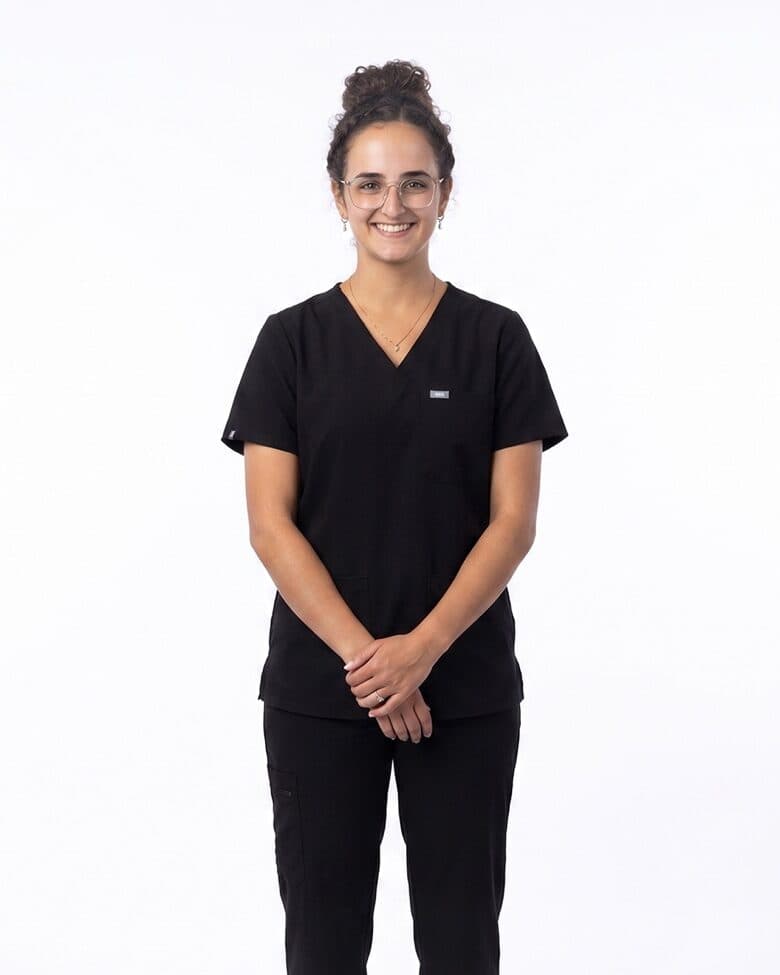
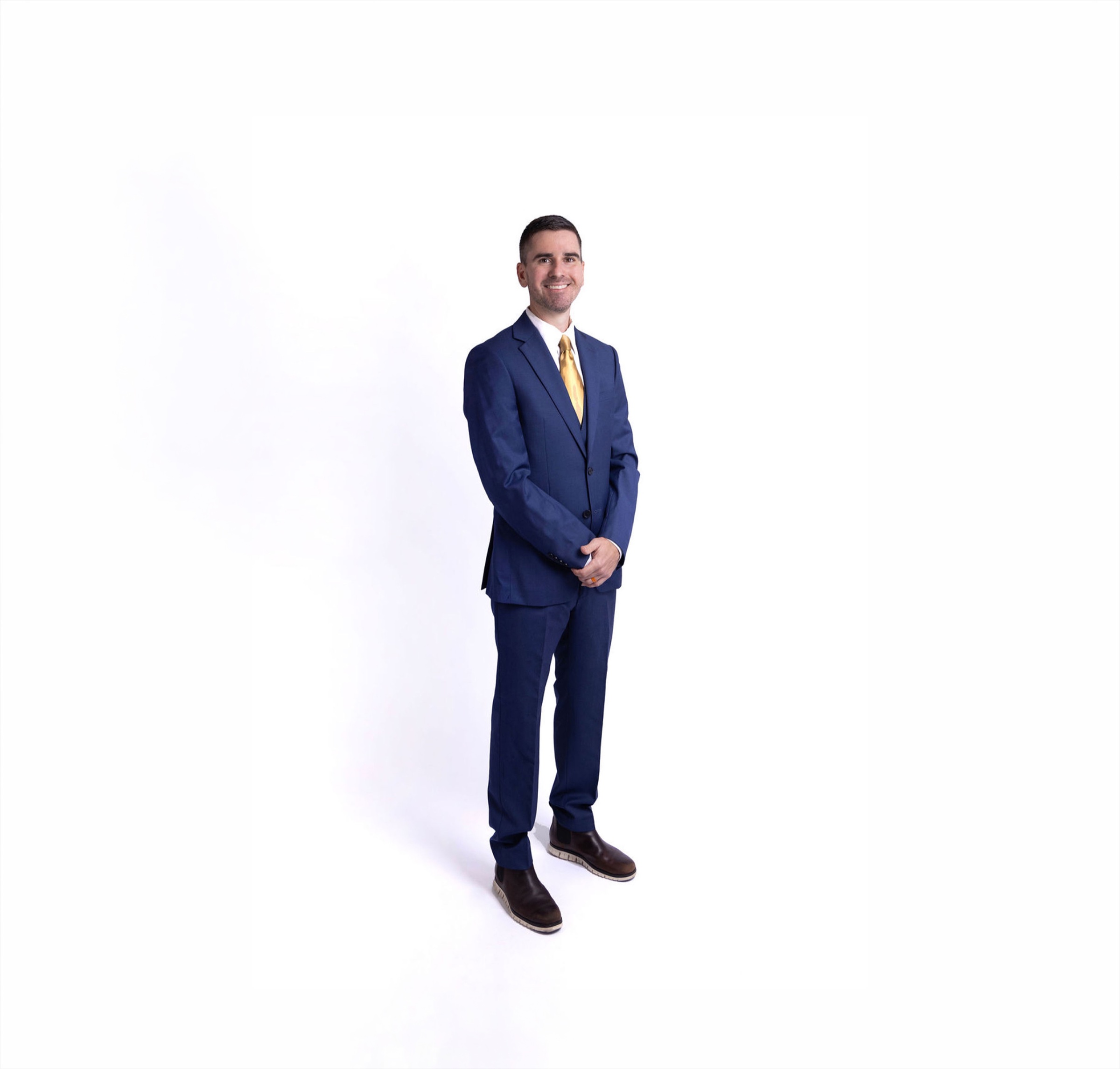
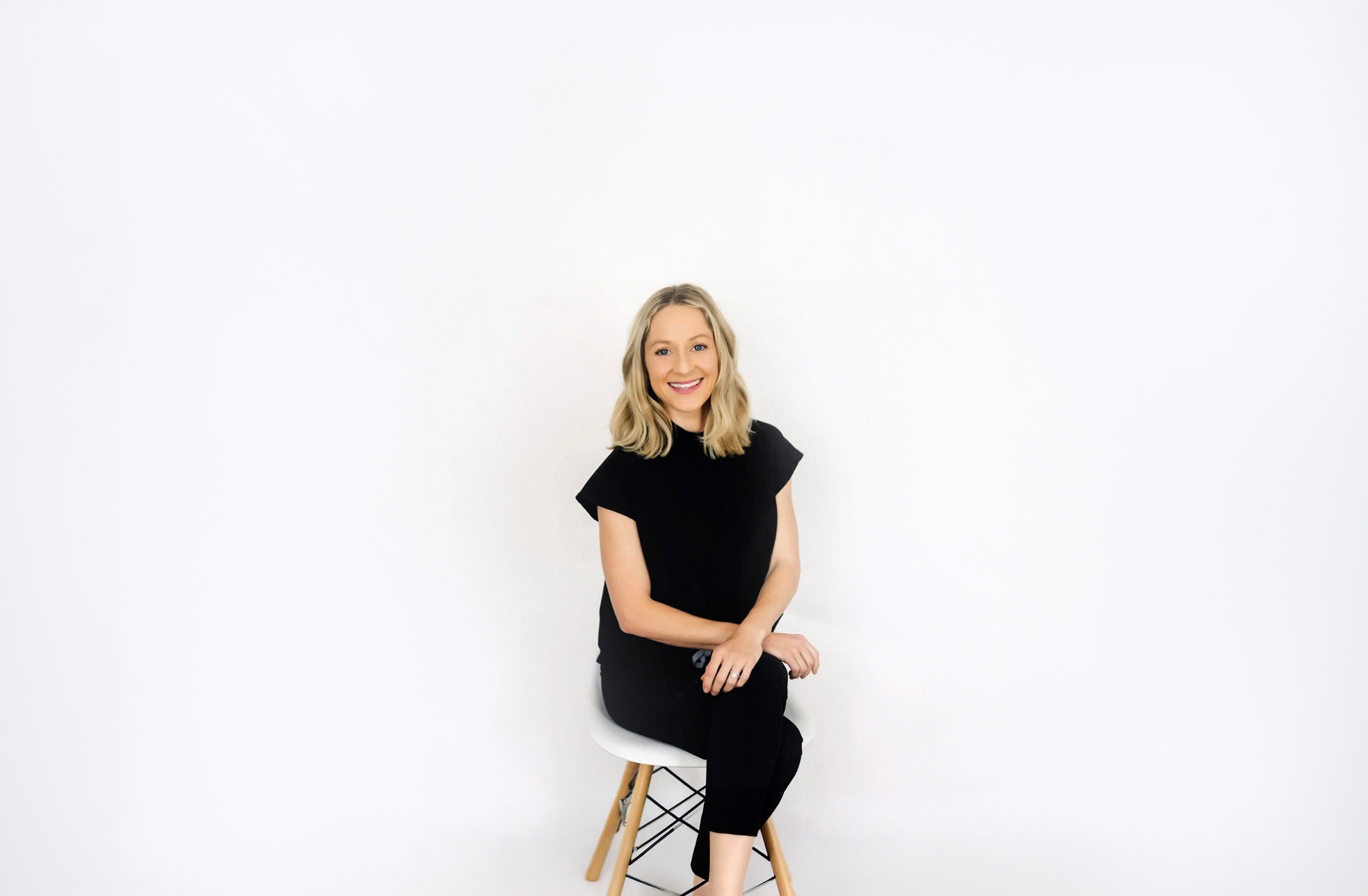
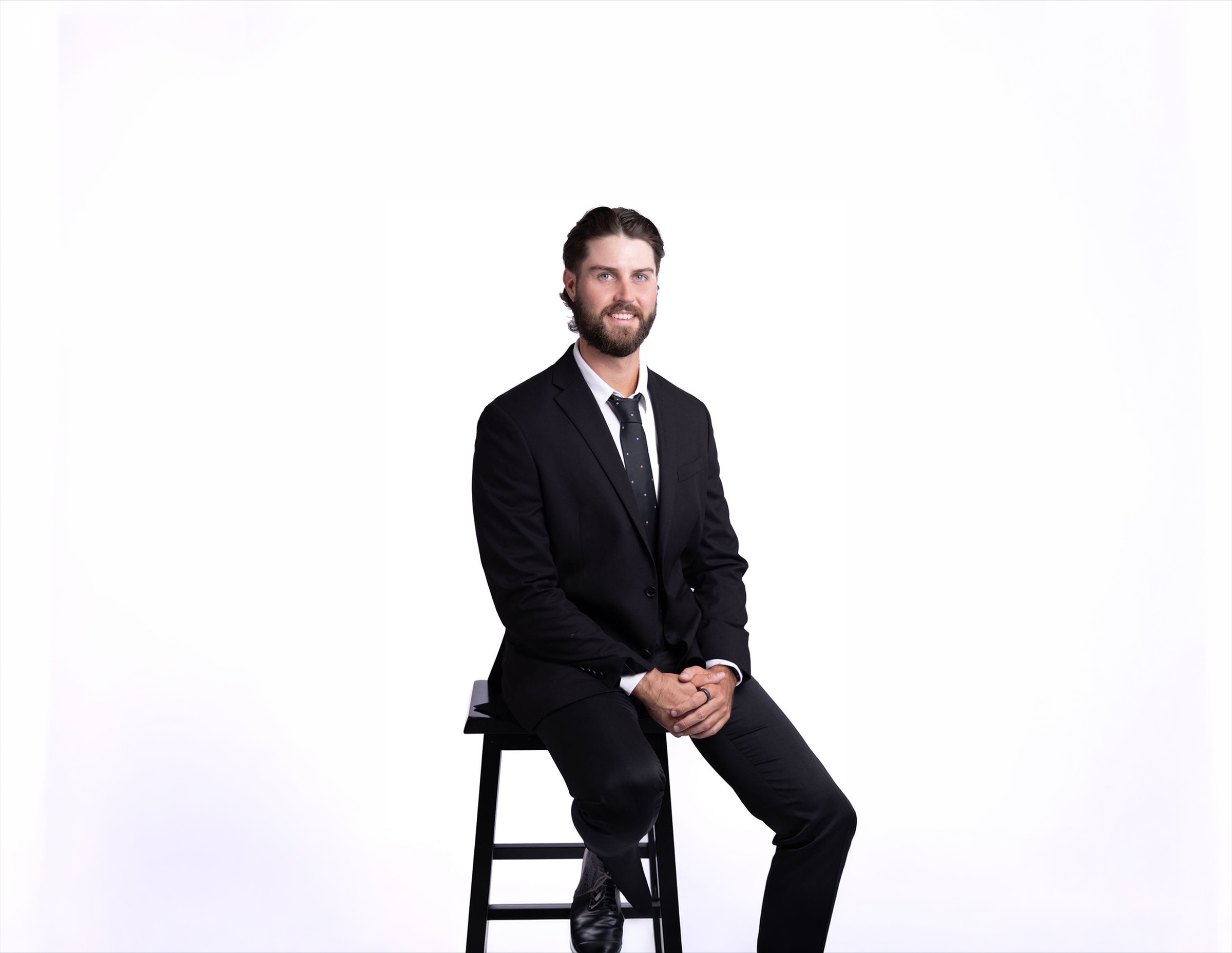
The team
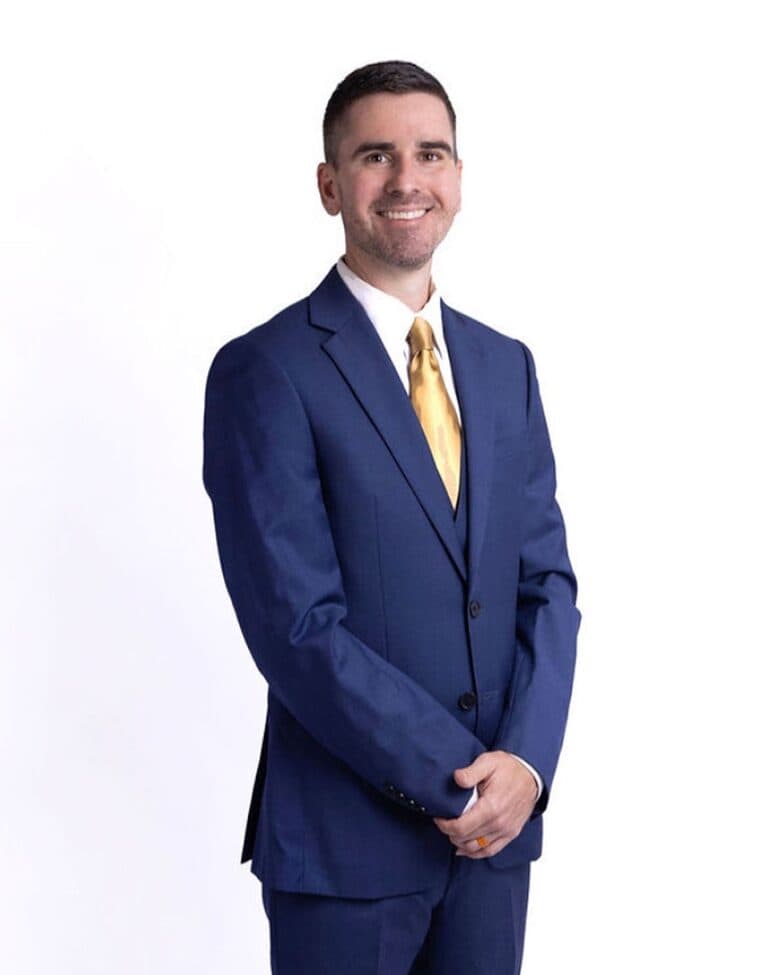
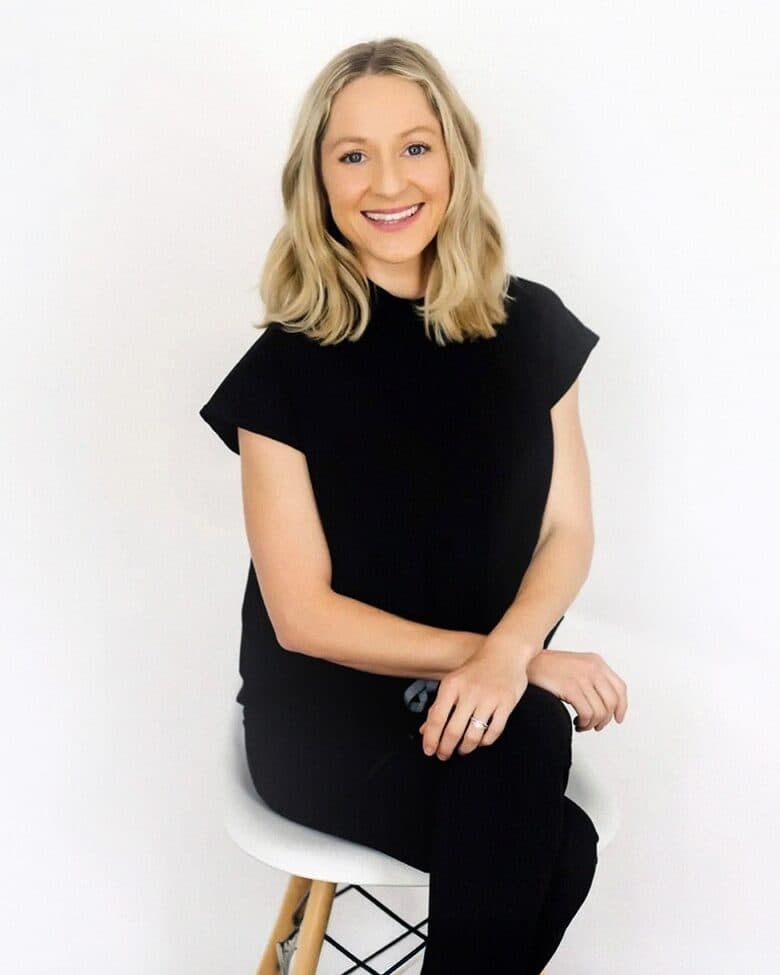
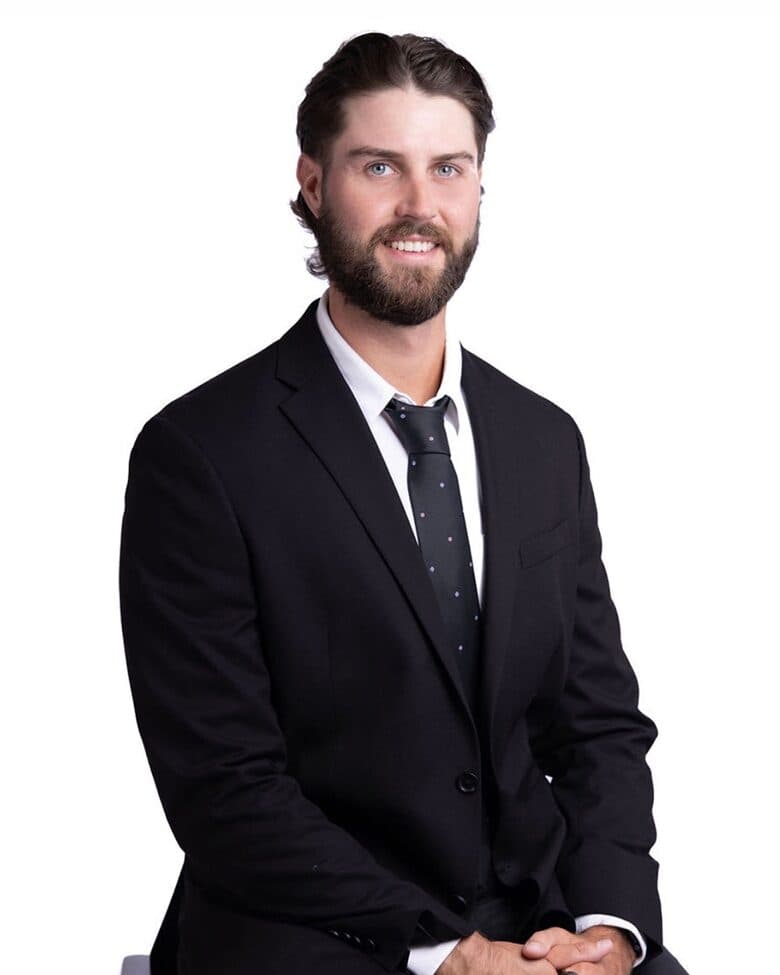
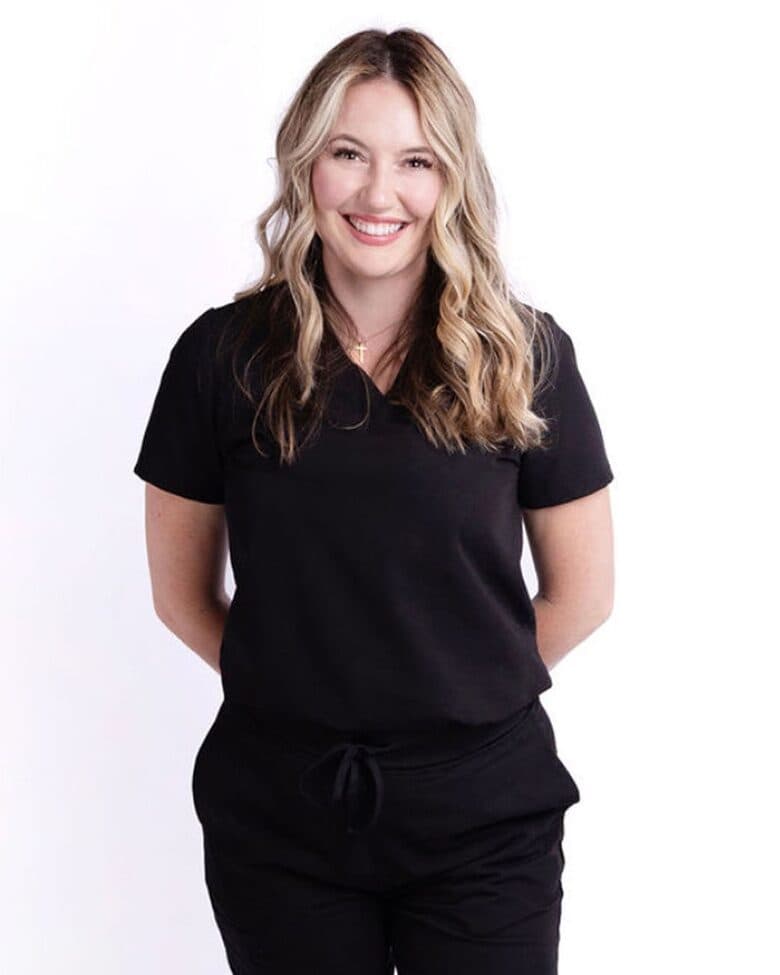
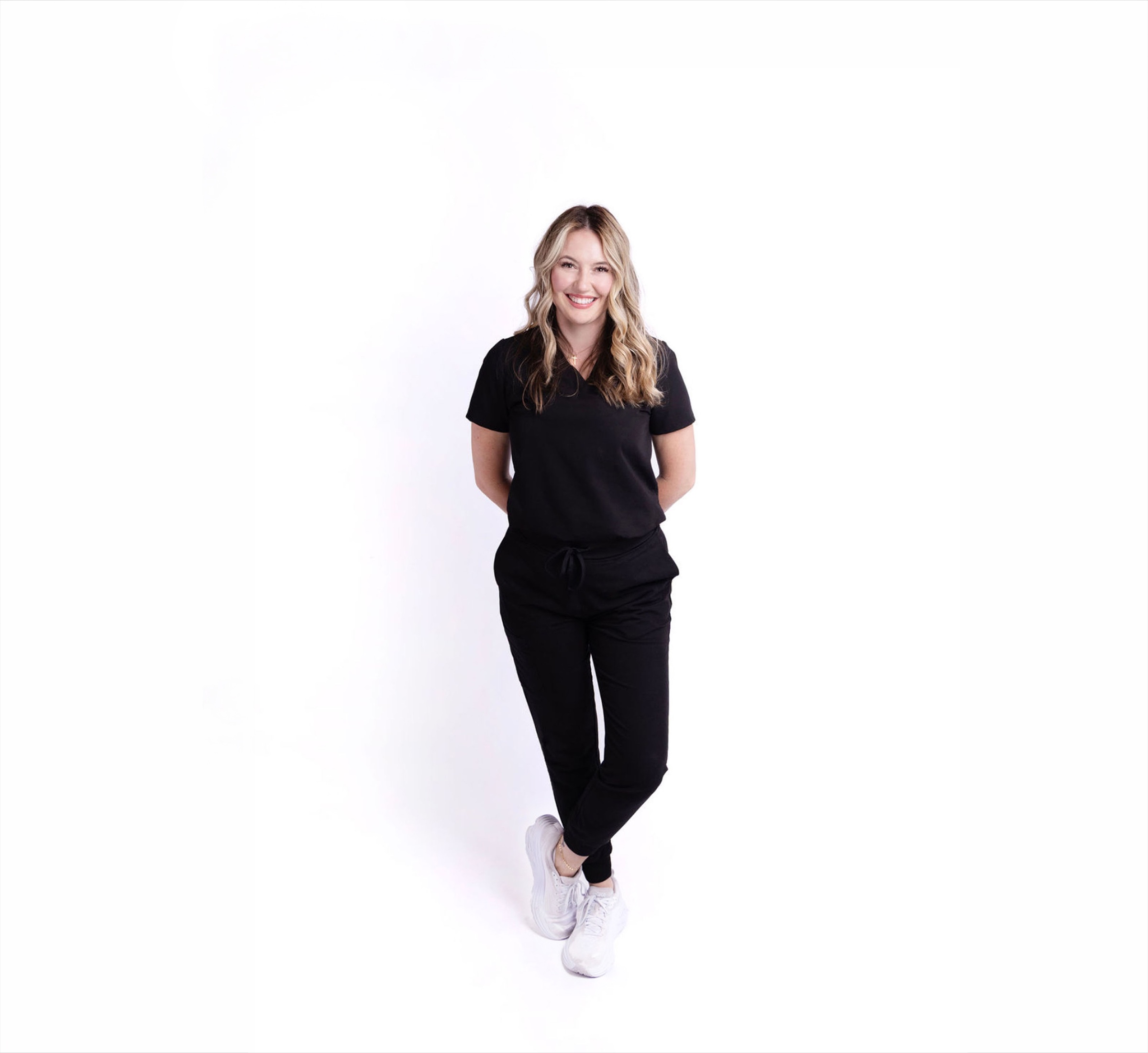
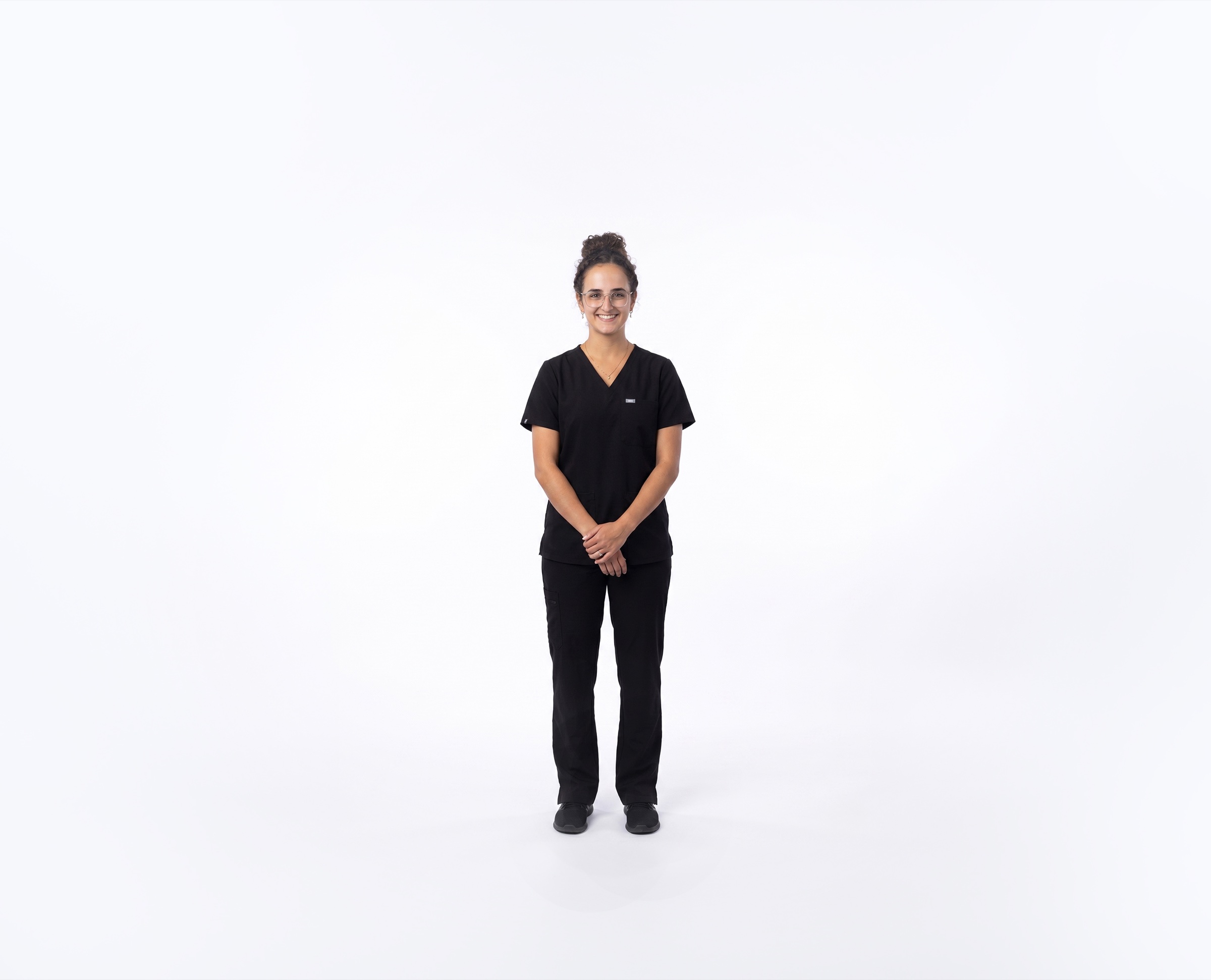
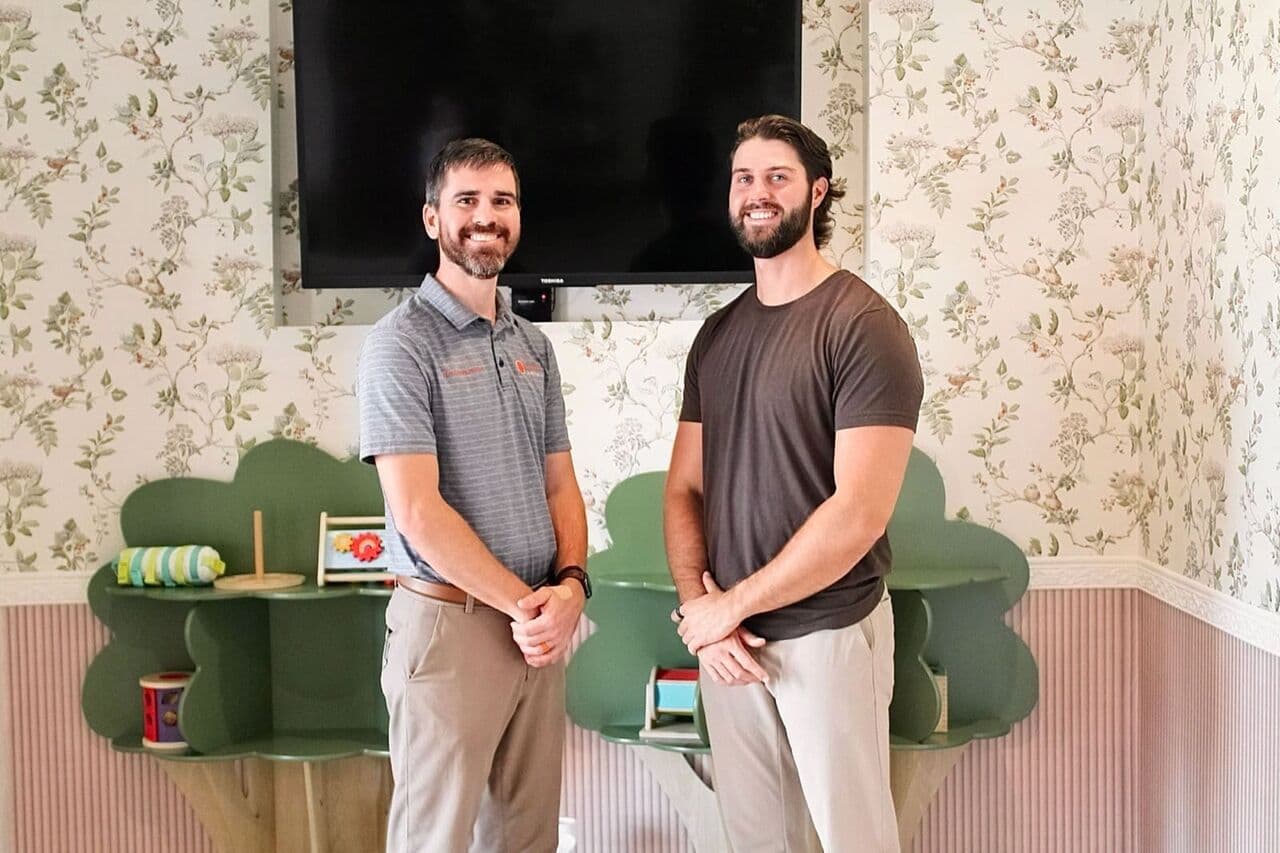
Names and titles as they should be printed. The photos are for editorial use in stories about the clinic.